ArTchie-Bedder-Suite
Drive your editor by hand, or let your agents drive it.
We use what we build, and this suite helped build itself. Anvil found 18 dead references in our own settings that three humans and two AIs had walked past. Rivet and Scribe took their own store screenshots doing real work. Atlas indexed the whole suite the moment the kits landed where they belonged. And ArTchie-AI used those tools to fix the same product they ship in. BedderScript + a runtime level editor, eight editor kits that are each a window you can click and a tool an agent can call, full C# source, everything inside your project.
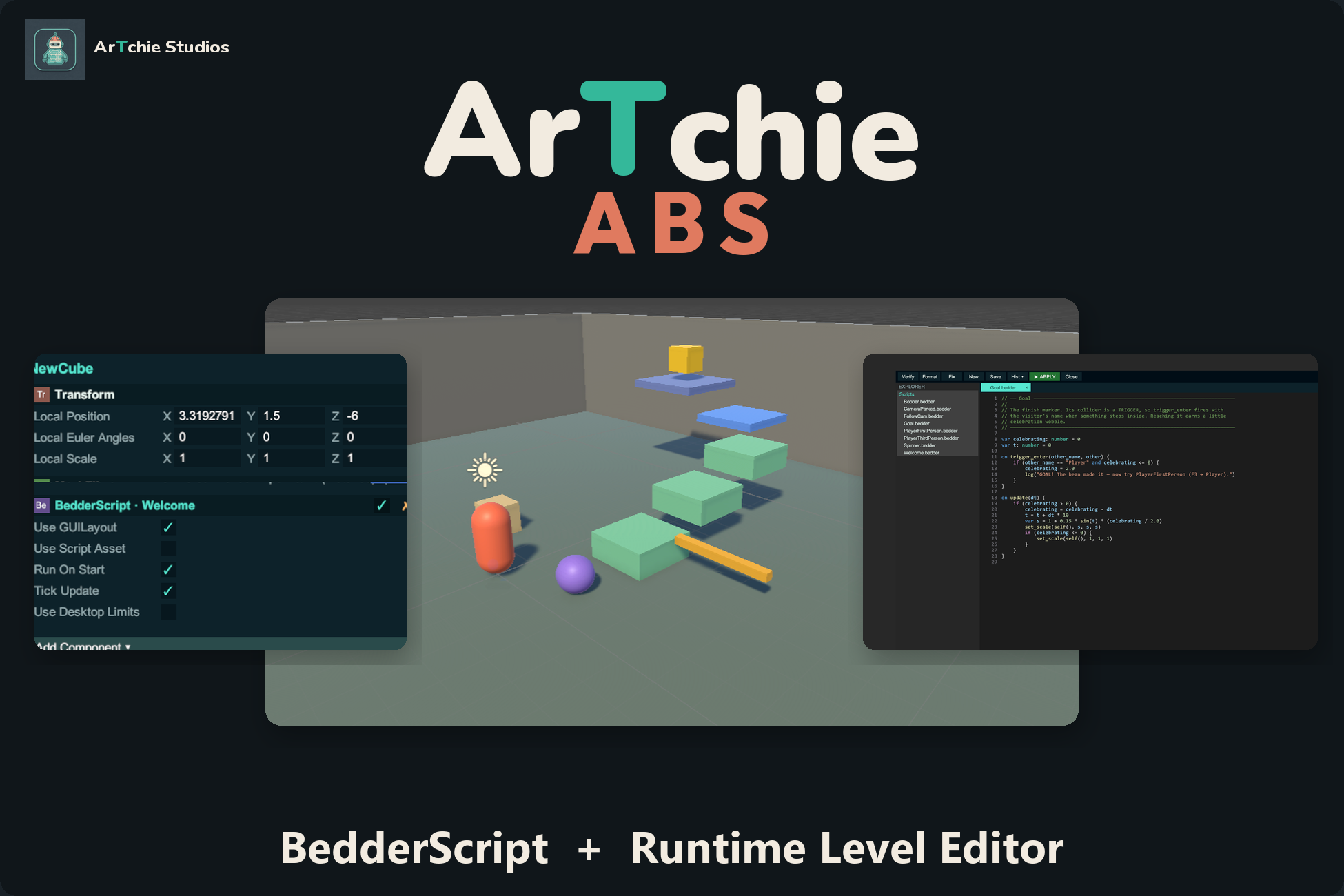
Play your game and change it while it's running.
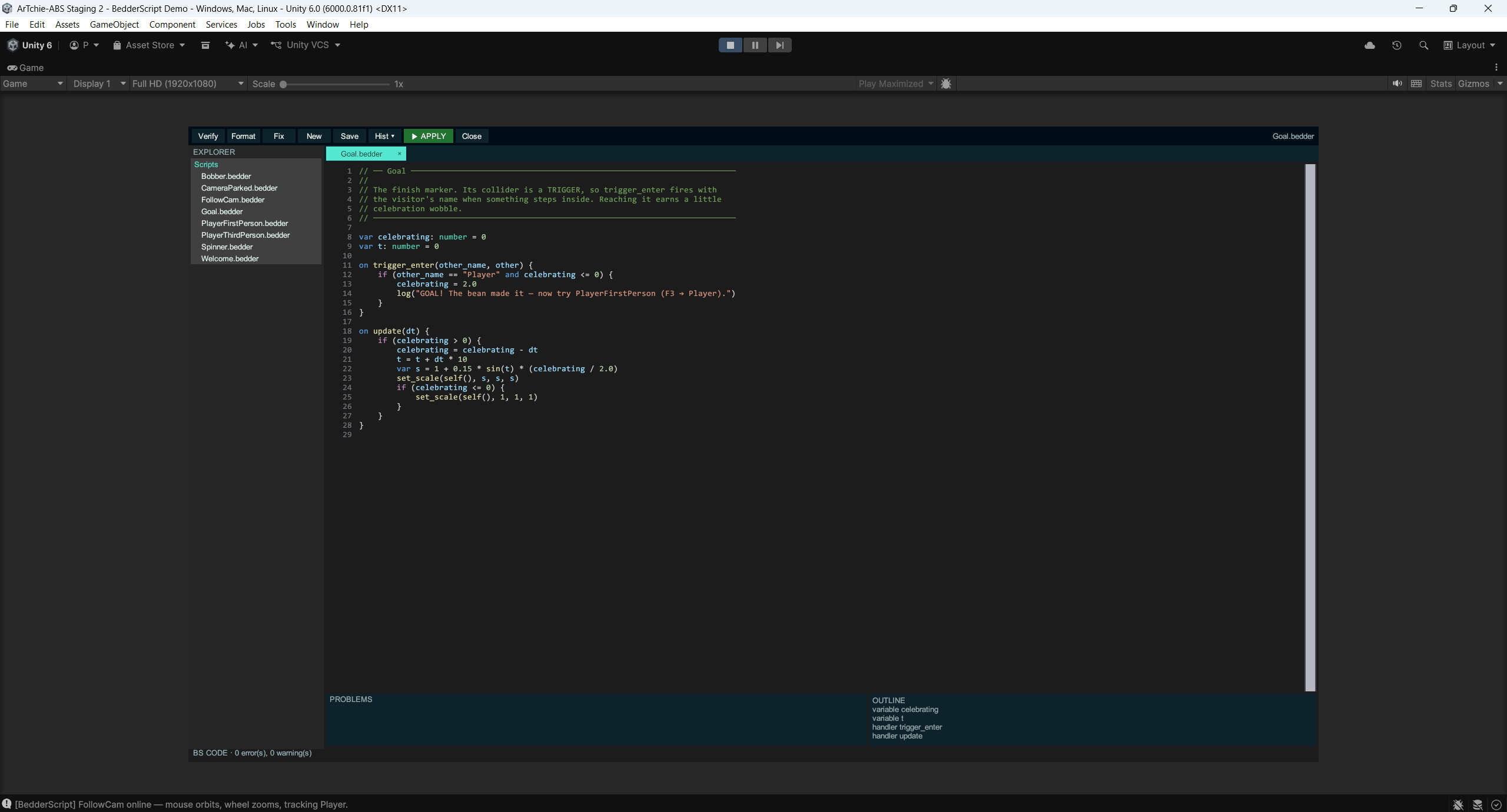
Write small .bedder scripts the game can safely run. Move objects, import art, save named scene mods — inside the running player. Players can do the same in a shipped build, and the save is the mod: Save as… → Share…, Open ▾ → Open from file…, double-click an .abspack and the game opens with it.
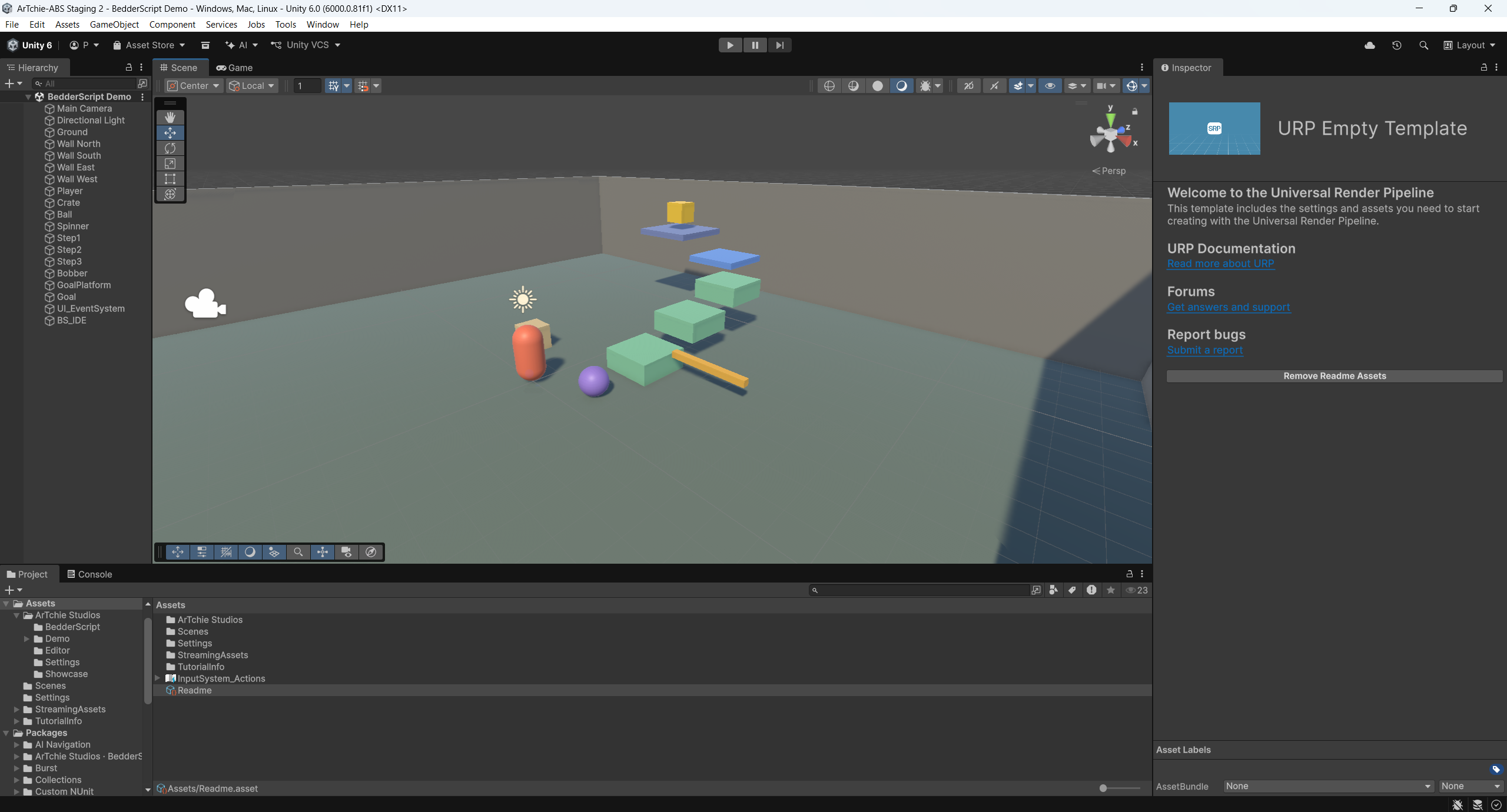
Nine kits. Three sections. One install.
Everything lands under Assets/ArTchie Studios/ in your project, in three folders you can point at — the same three you see here. Open any of them and the source is right there.
ArTchie-Bedder-Suite
BedderScript
Sandboxed in-game scripting and the runtime level editor. A real bytecode VM with per-frame budgets, 160 builtins published as a census — anything not on it does not exist. The Voxel Garden demo mod is 1,180 lines of pure Bedder.
Bedder guide →Demo course + showcase
A tiny 3D platformer where every behaviour is a BedderScript — no C# gameplay code in the scene. The F1 / F2 / F3 face loaders, your scripts folder, and the demo URP settings sit beside it.
Getting Started →Manual + API census
The language, standard library, engine API and the four in-game faces — and the full builtin list as a page, generated from the same file that ships in the box.
API reference →ArTchie-Suite
ArTchie Core
The Getting Started hub that opens on first load, every kit's docs by subject, Edit › Preferences › ArTchie. The seam the other kits hang off.
Core guide →Atlas
The code intelligence graph. Find symbols, trace callers and callees, pull exact snippets, list dead methods. Look things up instead of grepping the tree.
Atlas guide →Anvil
Ten scanners: broken references, missing scripts, asmdef cycles, asset bloat, build-settings audit, orphan metas, GUID usages. Reports that read cleanly for you and parse cleanly for an agent.
Anvil guide →Rivet
Query objects across scenes by tag, layer, component or name. Batch rename, camera bookmarks, prefab override diffs, a PlayerPrefs editor.
Rivet guide →Scribe
Documentation that stays honest. Generates docs from your code, then flags what drifted. Folder and selection docs, freshness checks, a bridge into Atlas.
Scribe guide →Charter
Game plans as assets. Pillars, core loop, MoSCoW scope, risks, milestones — a plan the editor holds, that your tools and your AI can hold you to. Markdown export in one click.
Charter guide →Folio
A reading surface. READMEs, guides and Charter plans rendered cleanly where you work. Every ★ Documentation item in the suite opens here.
Folio guide →ArTchie-AI
ArTchie AI
In-editor chat with a gated tool loop — approve chips on every call, saved sessions, any signed-in CLI agent. The same tools are served over MCP and the Unity CLI, so a terminal and the editor share one pipe and one gate. Every other kit works fully without it.
ArTchie AI guide →What it needs
- Unity6.0 LTS (6000.0) or newer. Built and exported from 6000.0.81f1; verified on 6.3 and 6.5.
- PackagesInput System and uGUI — resolve automatically. Any render pipeline; the included demo settings target URP.
- LayoutProject assets under
Assets/ArTchie Studios/in three folders —ArTchie-Bedder-Suite,ArTchie-Suite,ArTchie-AI. Nothing of ours inPackages/, no external mounts. - SourceFull C# source, no DLL-only code. Every kit namespaced (
ArTchie.*,BedderScript.*). - RuntimeBedderScript ships runtime code and runs inside your built game. The other eight kits are editor-only.
What it doesn't do
- AIUnity AI Assistant, Claude Code and Grok Build are optional and not included — you bring your own account. Every other kit works fully with no AI installed.
- AtlasNeeds one Rebuild Index pass after import before its graph is populated.
- ConverterThe C#-to-BedderScript converter is experimental. It is a translator assistant that makes mistakes; anything it cannot map is commented and tagged
TODO(bs)for a human. - ImporterBedderScript's runtime asset importer covers static meshes with materials and diffuse textures. Rigs and animation are not imported.
Built for where Unity is going.
Architected as orchestration over host systems and ready for the GameObject/ECS unification. Logic written in BedderScript is runtime-independent — it never compiles to IL, so it crosses the Mono-to-CoreCLR cutover without a port. The full reasoning ships inside the suite so you can check the claim instead of taking our word for it.